Tu Menu
rocket_launch Start trial

Make your restaurant feel clearer, more modern, and more professional

Turn your QR menu into an experience that improves presentation, brings more control to daily operations, and opens your own ordering channel with WhatsApp or Integrated Checkout.

Restaurants across LATAM are already launching direct orders with TuMenu.

check_circle No credit card check_circle Guided setup
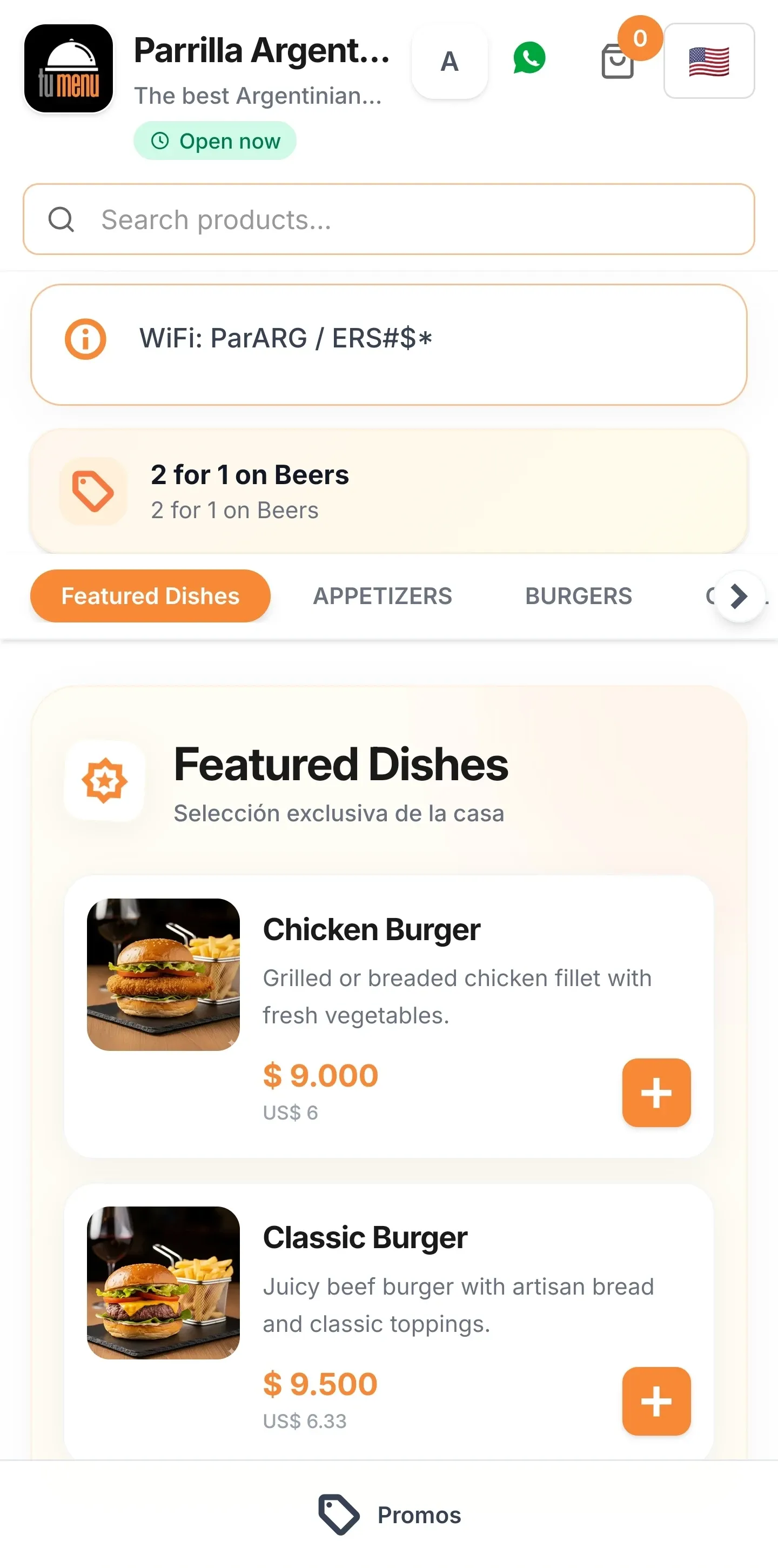
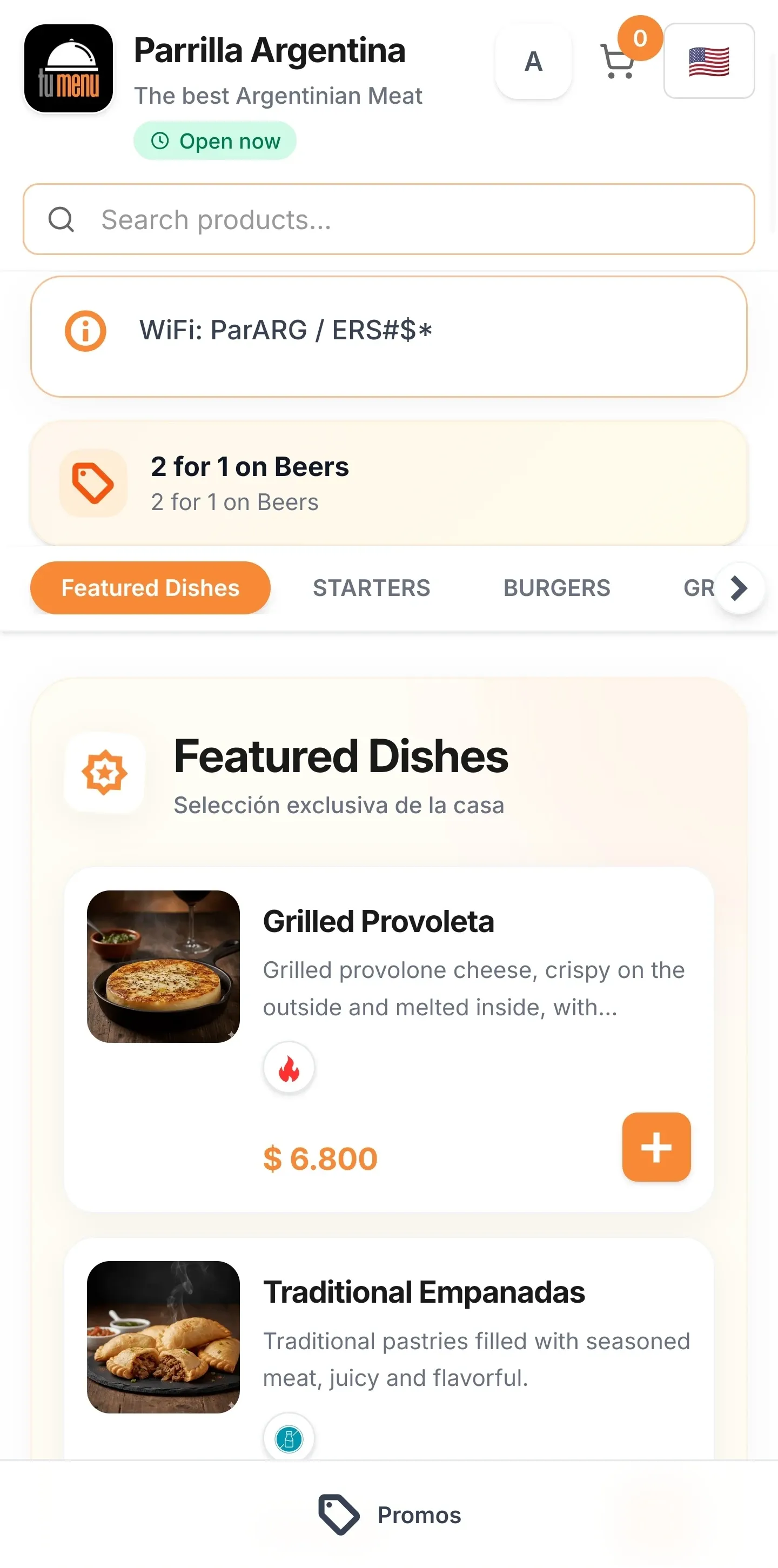
TuMenu digital QR menu displaying restaurant dishes on a smartphone
trending_up

Real Efficiency

Integrated Checkout with a real-time panel

Your digital experience shapes how your restaurant is perceived

When the menu feels improvised, orders depend on third parties, or operations lack clarity, it does not only hurt sales — it lowers brand perception.

percent

You lose margin and control

When you depend on intermediaries to sell, you pay more per order and lose control of the customer relationship.

block

Operations become fragile

If orders do not follow a clear flow, your team works with more friction, more errors, and less predictability.

translate

Your brand feels smaller

If the menu feels improvised or outdated, the experience does not reflect the real standard of your restaurant.

A better guest experience. More control for your team.

shopping_cart_checkout

Ways to sell without losing clarity

One menu, different flows depending on the moment

  • check

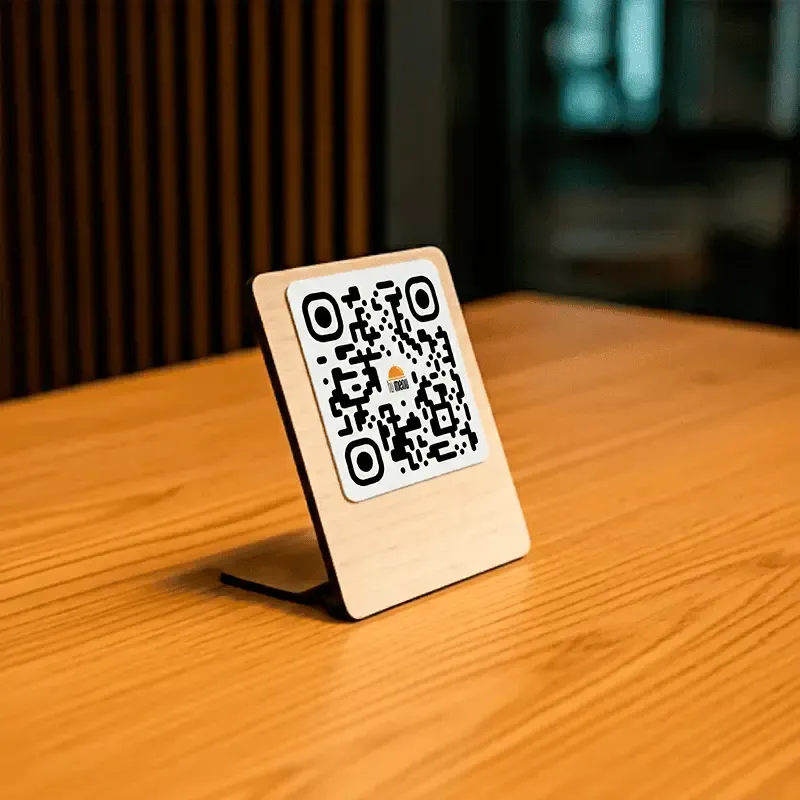
    A clearer dine-in experience from the first scan

    Guests see a cleaner menu, explore at their own pace, and prepare their order on screen before confirming with staff.

  • check

    Direct orders inside the menu (Pro plan)

    Guests buy without leaving the menu or relying on third parties. The order lands straight in your panel.

  • check

    WhatsApp orders from your own channel (Essential plan)

    Guests build their order in the menu and close it through WhatsApp. You keep proximity, flexibility, and commercial control.

  • check

    Control demand without improvising

    Pause all online orders or just one channel based on your team's current capacity.

  • check

    Each location runs with clear rules

    Set ETAs, delivery fees, and payment methods according to each restaurant's reality.

monitoring

More order once the purchase is already moving

Visibility, coordination, and follow-through in one place

  • check

    The full order flow in a single view

    Review new, confirmed, and in-progress orders without jumping between channels.

  • check

    Statuses that keep operations aligned

    Update each order as it progresses and keep the team aligned around what is happening.

  • check

    Your menu also captures demand beyond the venue

    Turn traffic from Google and social into direct orders inside your own channel.

  • check

    More margin on every direct order

    Protect profitability on every order processed through your own channel.

  • check

    Data to refine offer and execution

    Measure visits, viewed items, and orders to make sharper decisions.

rocket_launch

Launch faster. Scale with higher standards.

Less operational load to start well and grow consistently

  • check

    A ready menu even if today it lives in PDF or print

    If you need support, we load products, categories, and variants so you can go live sooner with a better-presented experience.

    See the Terms and Conditions for this service.
  • check

    Images that elevate presentation

    Complete product visuals with AI support so the menu feels more attractive and more professional.

  • check

    Open new locations without starting over

    Duplicate the base setup to launch new units with less rework.

  • check

    Consistency across branches and channels

    Reuse products, modifiers, and rules to keep the offer organized across the business.

  • check

    Guided implementation without slowing service

    We help you activate the full flow without disrupting day-to-day operations.

What you should understand before activating your channel

Straight answers to choose the right flow without confusing guest experience, operations, and ordering.

What is the difference between the digital menu for dine-in, WhatsApp, and Integrated Checkout?

expand_more
Tray Mode is the interactive digital menu for your dining room: guests browse, build a reference list, and confirm their order with the server. For off-premise orders, Essential includes WhatsApp and Pro adds Integrated Checkout — guests order directly in the menu without leaving the flow.

How do I configure checkout for a restaurant?

expand_more
Set ETA, delivery fee, and payment methods per location. Essential gives you a dine-in digital menu plus WhatsApp ordering; Pro adds Integrated Checkout directly in the menu.

Where do I manage orders and statuses?

expand_more
Orders from Integrated Checkout are managed in the dashboard Orders section. There you review new orders, open customer details, and update each status as operations progress.

How do opening hours affect online orders?

expand_more
If opening hours are configured and the restaurant is closed, online ordering stays blocked. When open, ordering is enabled.

Can I pause all orders or just one channel?

expand_more
Yes. Use global pause to block Integrated Checkout and WhatsApp together, or use channel-level controls to pause one flow while keeping the other active.

What is the fastest way to go live?

expand_more
You can share your menu as a PDF, photo, or printed version. With Pro, our team loads categories, items, prices, structure, and images to help you go live faster. It also includes 20 image credits to generate new images.

Make your restaurant look as strong as it really is

Activate a clearer guest experience and your own ordering channel to reinforce your restaurant’s standard.

rocket_launch Request Complimentary Month