
Tu Menu
Try 30 days free

Mise · TuMenu's AI assistant

AI menu maker for restaurants: turn your printed menu into a QR menu by chatting with Mise

Mise is the AI assistant inside your TuMenu account. Tell it about your restaurant, upload a photo or PDF of your menu and Mise sets up your menu for you. You review and fine-tune.

No credit card 30 days free Manual anytime

Your menu ready in 3 steps, by chatting

You chat with Mise instead of going through setup screens. And if you prefer, you can always do it by hand.

  1. 1

    Tell Mise about your restaurant

    Open Mise in your account and answer 1 or 2 questions, like whether you want to take orders or just show your menu. Mise then recommends a plan and, with one tap from you, your 30-day trial starts, no credit card.

  2. 2

    Upload a photo or PDF of your menu

    Mise reads your printed menu and loads categories, dishes, and prices. Then you can ask for changes in the chat: a price, a dish option, a promotion.

  3. 3

    Review, adjust, and share your QR

    Mise shows you what it did and you review it. When it looks right, download your QR and place it on tables, windows, or signage.

What Mise can do for you

You set it all up by chatting, with your own permissions.

Your account

Change your account language and currency.

Your restaurant

Load your venue details, logo, opening hours, and WhatsApp number, and adjust how you take orders.

Your menu from a photo or PDF

Import your printed menu and organize it into categories, with its dishes and prices.

Categories, dishes, and prices

Create and edit dishes, or change several prices at once.

Options for each dish

Add options like cooking point or sauces.

Promotions

Set up promotions to highlight offers on your menu.

Translations and currencies

Translate your menu into 5 languages and add extra currencies.

QR and menu modes

Gives you your QR and sets how your menu is displayed.

AI dish photos

Mise tells you how many dishes have no photo and what generating them costs. You pay for them separately.

From a paper menu to a menu on the phone

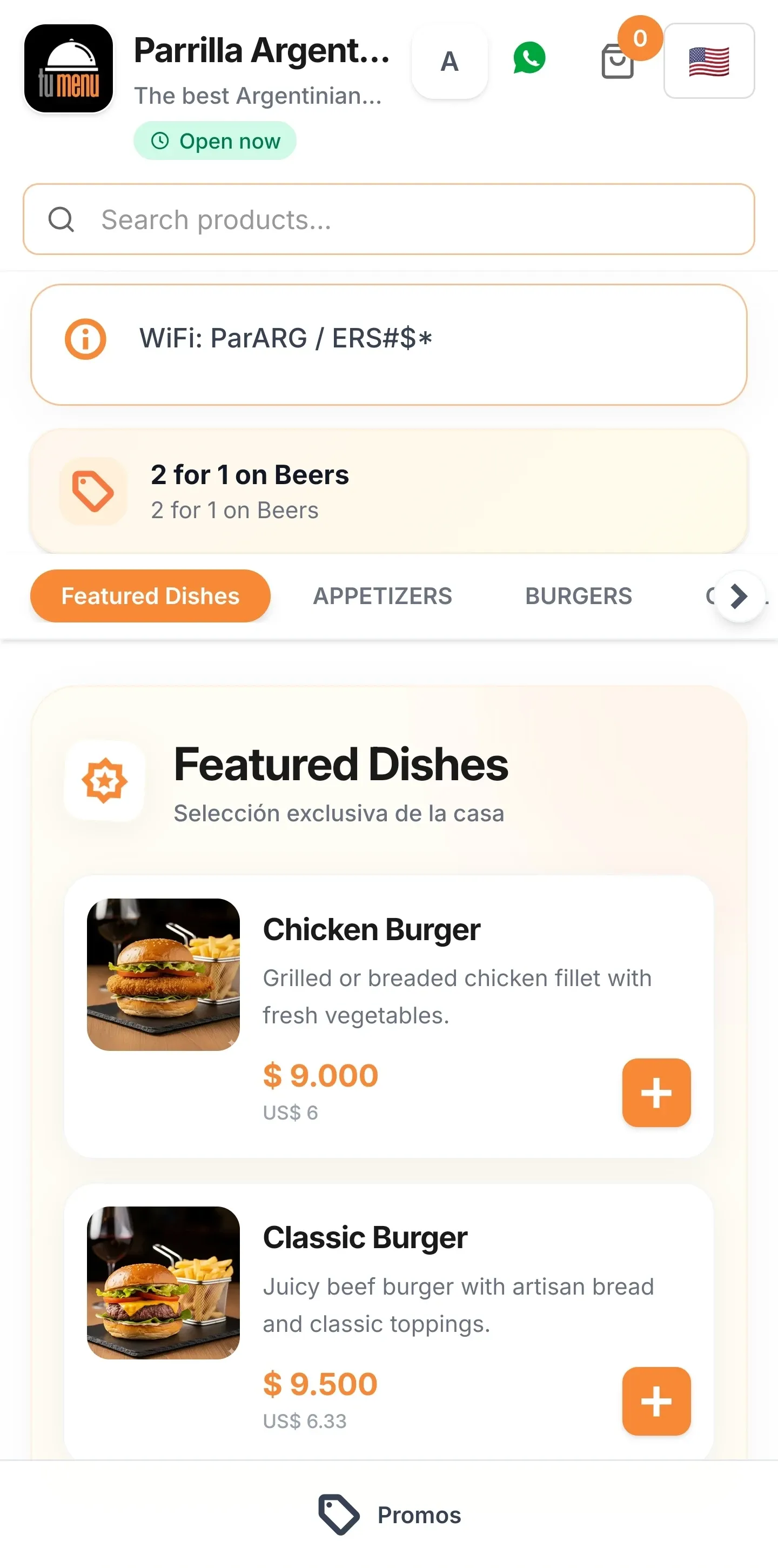
Before: paper or PDF menu

  • You reprint the menu every time a price changes.
  • You enter dish after dish, from scratch.
  • Foreign guests can't read your menu.

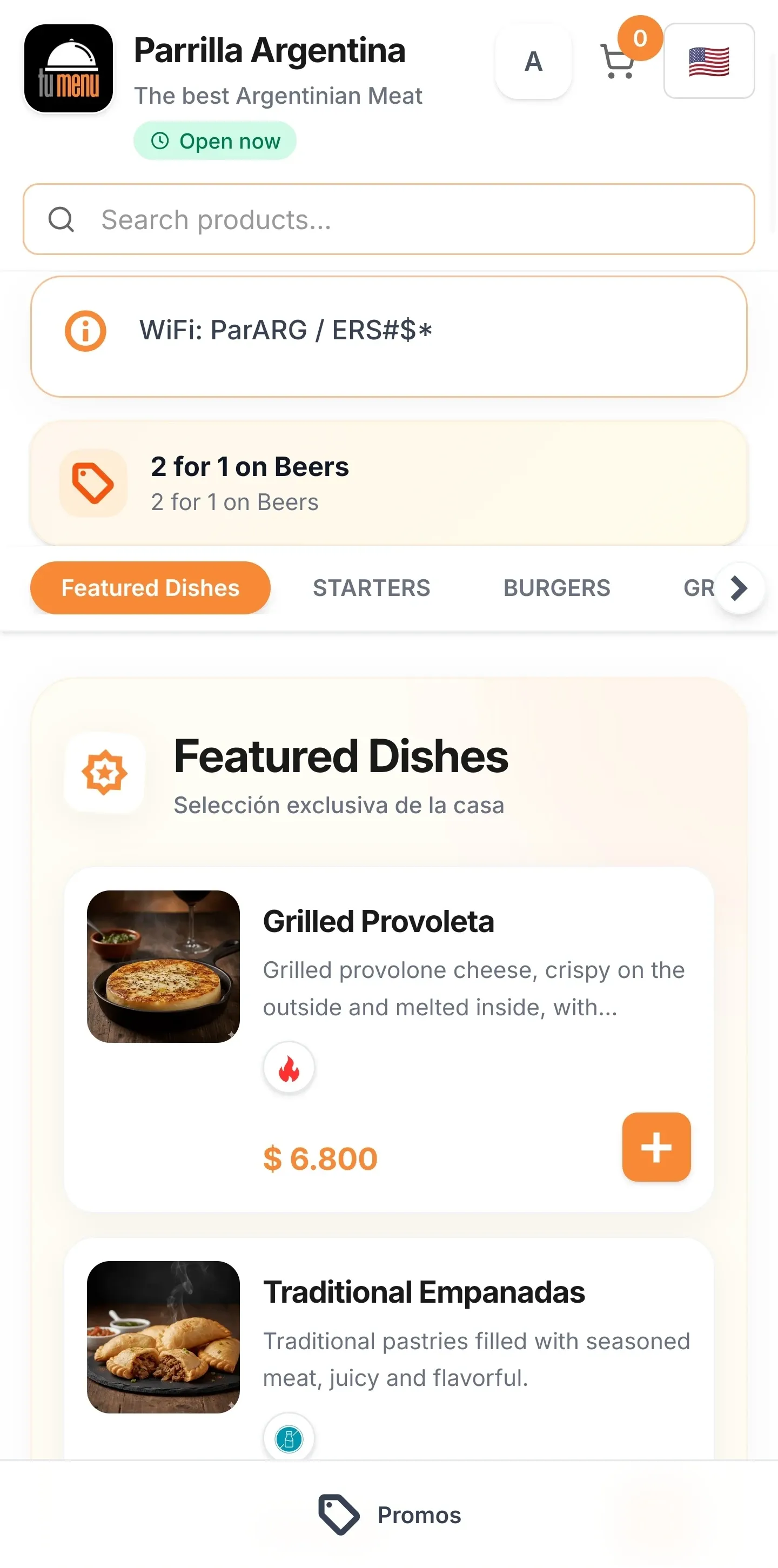
Now: a phone menu, with Mise

  • Change a price and it updates on the same QR.
  • Mise loads your menu from a photo or PDF.
  • Your menu in 5 languages, for any guest.

You stay in control

Mise works inside your account and lets you decide.

Only your data and your permissions

Mise acts inside your account and only with the permissions you already have.

You confirm what matters

Before deleting anything or making bulk changes or changes your customers will see, Mise asks you to confirm.

Manual whenever you want

You can leave the chat and set everything up by hand from your account, at any time.

Mise sets up your account, your restaurant, and your menu. It does not manage your orders, your payments, or your staff, and you always make the payments yourself.

Frequently asked questions

Everything you need to know before creating your digital menu.

What is Mise?

Mise is TuMenu's AI assistant. It lives inside your account and sets up your account, your restaurant, and your menu while you chat: you type and Mise does the setup.

What can Mise set up?

Your account language and currency, your restaurant details, your menu (from a photo or PDF, with categories, dishes, and prices), dish options, promotions, translations, extra currencies, your QR, and menu modes.

How much does Mise cost?

Mise is included in your plan. AI dish photos and assisted menu upload by our team are paid separately, and Mise shows you the price first.

Do I need a card to start with Mise?

No. After 1 or 2 questions, Mise recommends a plan and your 30-day trial starts when you confirm with one tap, no credit card.

Can Mise change or delete things without asking me?

No. Before deleting anything or making bulk changes or changes your customers will see, Mise asks you to confirm. It also acts only with the permissions you already have on your account.

What happens to my messages and files?

Your messages and the files you attach are processed by an external AI provider to give you the assistant service. The chat history is kept as long as your account exists and is deleted with it. You can find more detail in the Privacy Policy.

Can I set everything up by hand?

Yes. Using Mise is optional: you can set up your account, your restaurant, and your menu by hand, step by step, whenever you want.

Does Mise manage my orders or payments?

No. Mise only sets things up. You manage your orders and your staff from your account, and you always make the payments (for your plan or for AI photos) yourself.

Let Mise build your menu

Start your 30-day trial, no credit card and no commitment. Tell Mise about your restaurant and have your QR menu ready in minutes.

Try 30 days free